AI Product Photography

An exploration of AI product photography. Some good and some bad

Case Study: Testing Adobe Photoshop Generative Fill for AI Product Photography

AI product photography has been something of a hot button issue for me. Myself I can see the benefits of machine tools helping us but to quote Joanna Maciejewska 

I want AI to do my laundry and dishes so that I can do art and writing, not for AI to do my art and writing so that I can do my laundry and dishes.” 

This hits pretty spot on with my opinion of artificial intelligence as well.  That being said there are some innovations I have been taking advantage of and this post is centered around my experiments with creating AI product backgrounds.


The Experiment: Can Photoshop Generative Fill Replace a Lifestyle Shoot?

To carry out this experiment, I used only Adobe Photoshop and its Generative Fill and Generative Expand functions. Each image began as a standard e-commerce catalog product photo on a white background, and I then used text prompts to generate contextual environments.

This type of workflow could theoretically be incredibly useful for Amazon sellers who need rapid lifestyle imagery, or for a quick social media ad campaign. However, as you will see below, the results vary from super cursed to pretty spot-on. While none of these images are earth-shatteringly perfect, some are close enough to make a really nice base for an ad layout with a little extra manual cleanup.

AI Product Photography Test Results & Prompts

Case Study 1: The Campfire Mockup

AI Product Photography
camp-rock

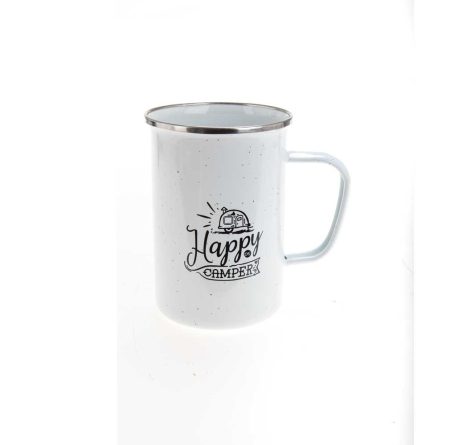
Above is one of my favorite options that the AI created. I added the prompt “sitting on stone next to a campfire” and this is what I got.

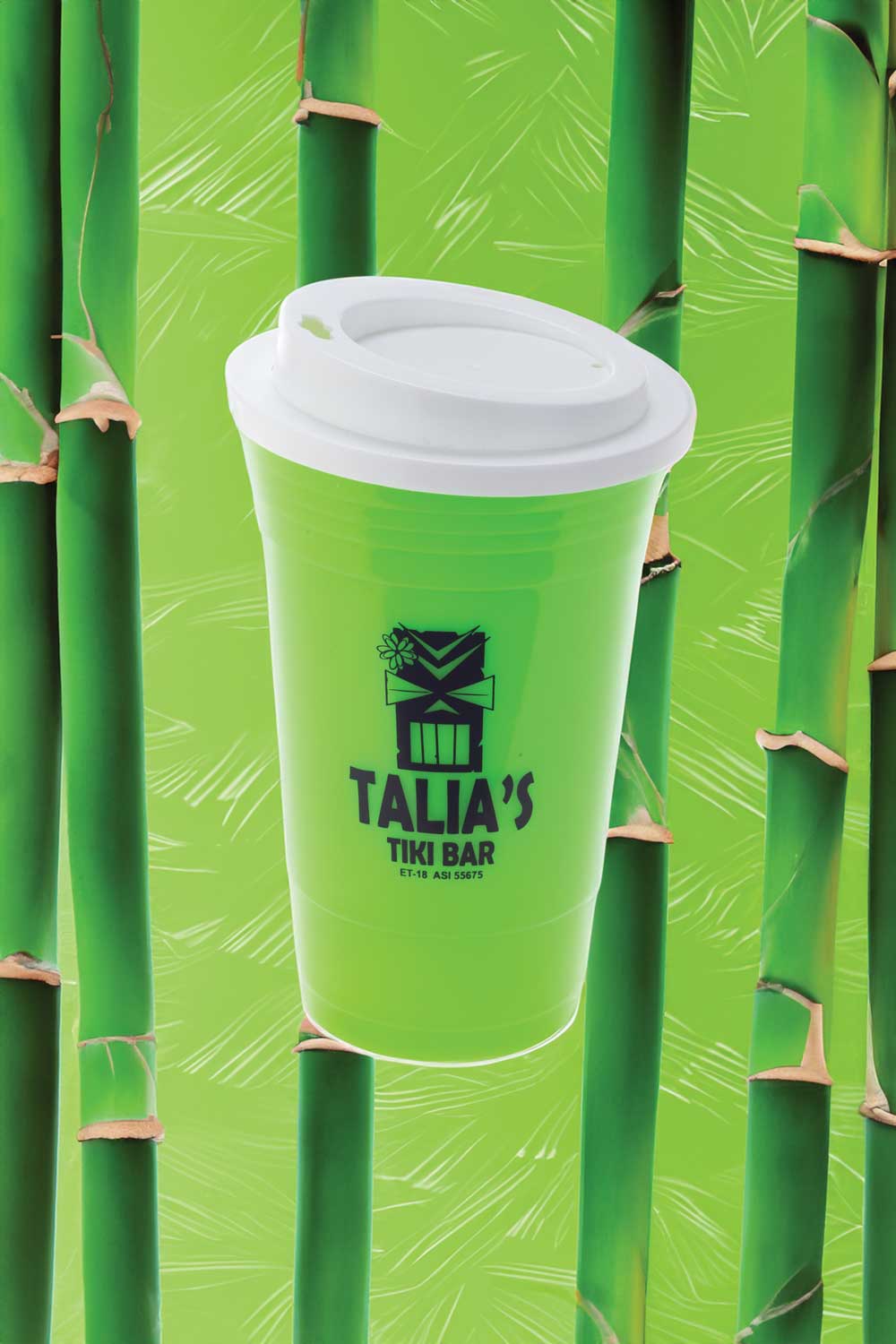
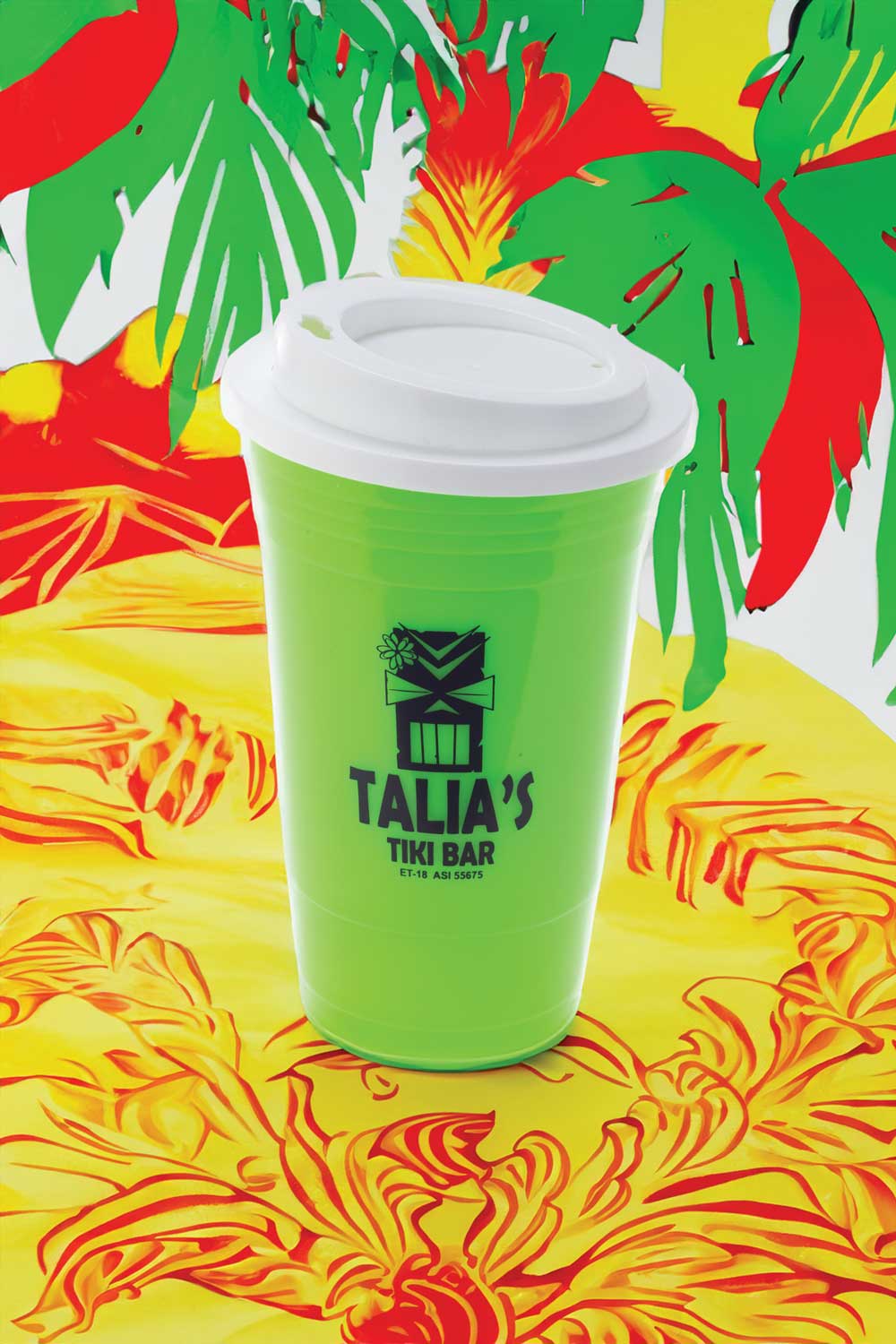
Case Study 2: The "Tiki Bar" & "Spring Break" Series

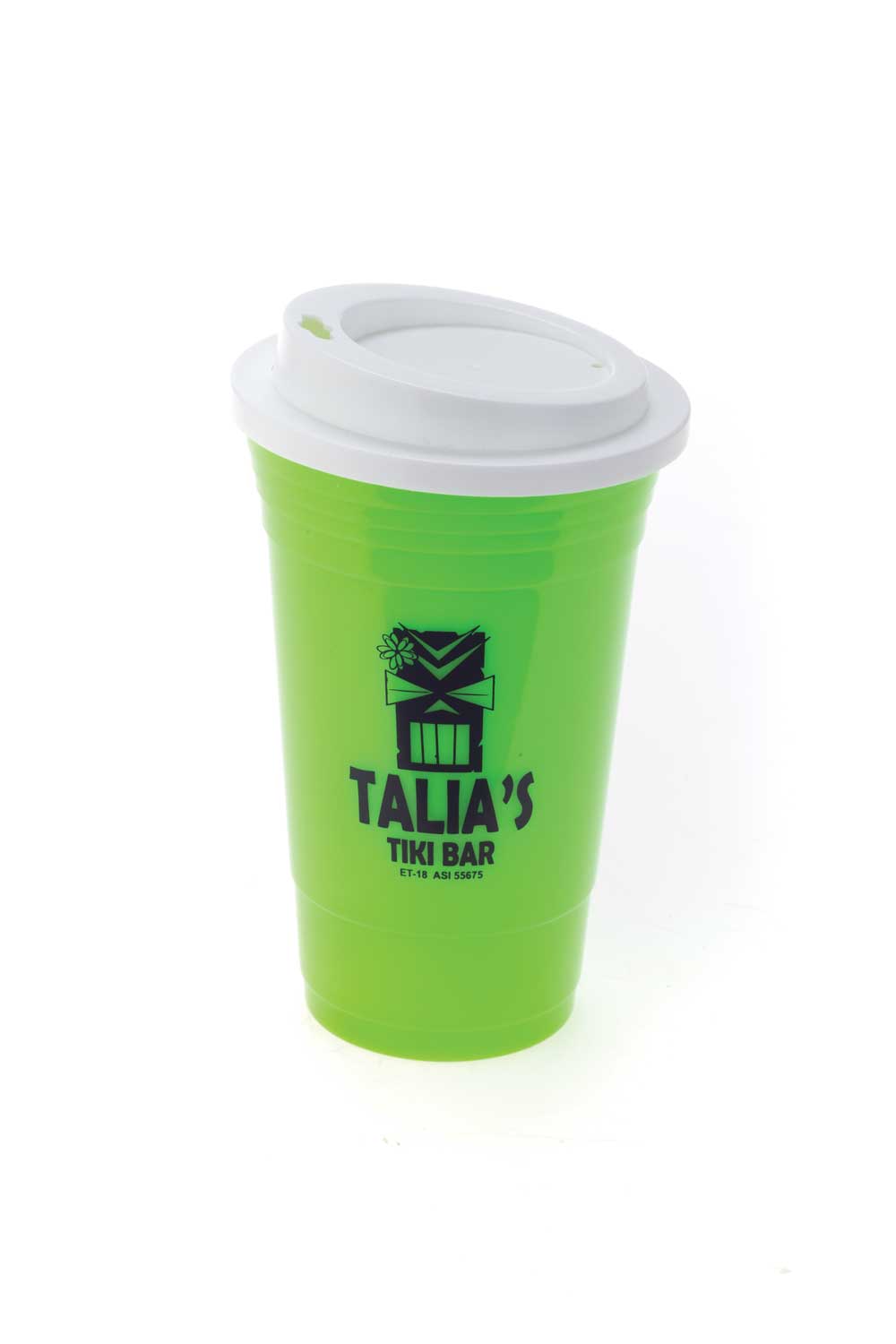
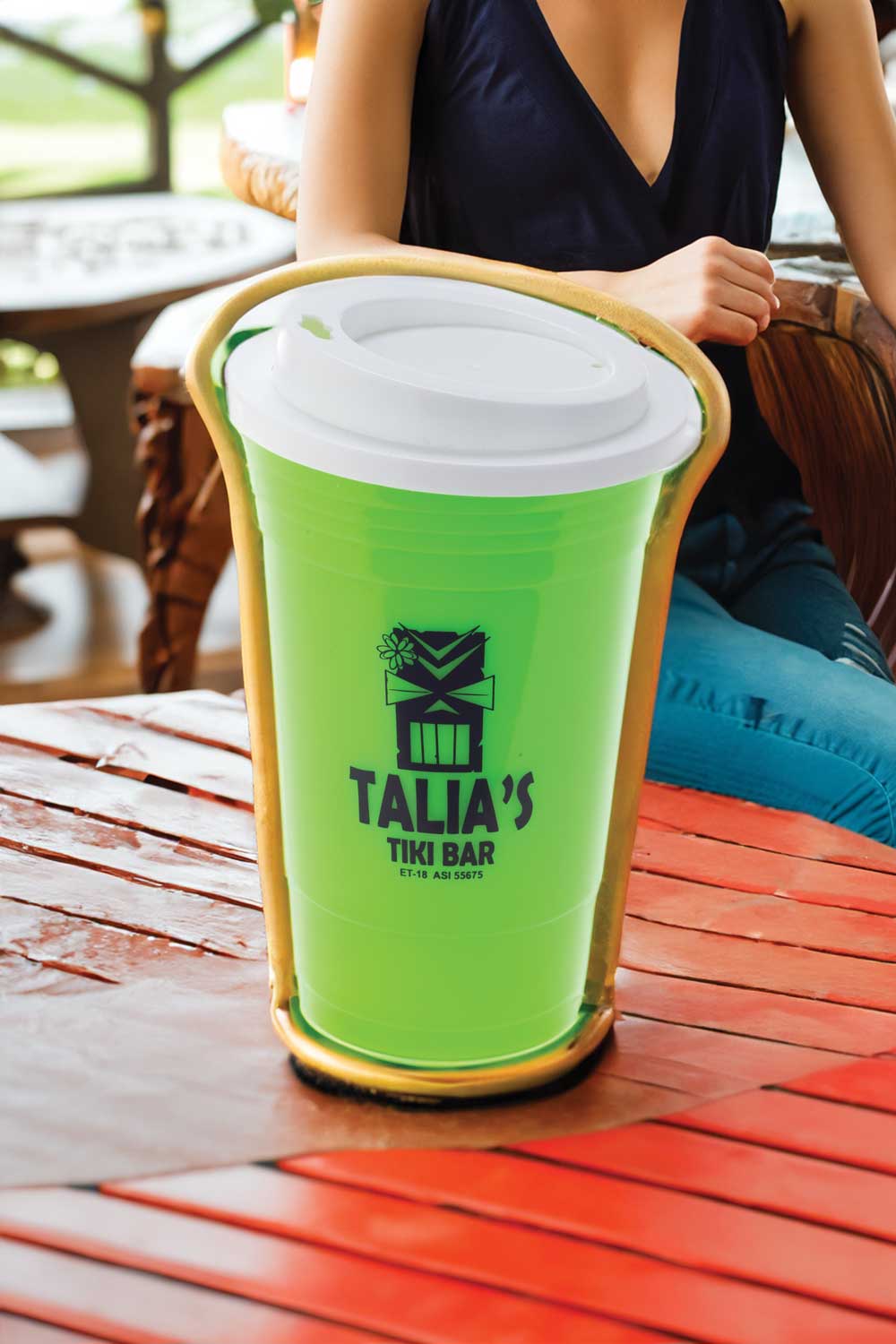
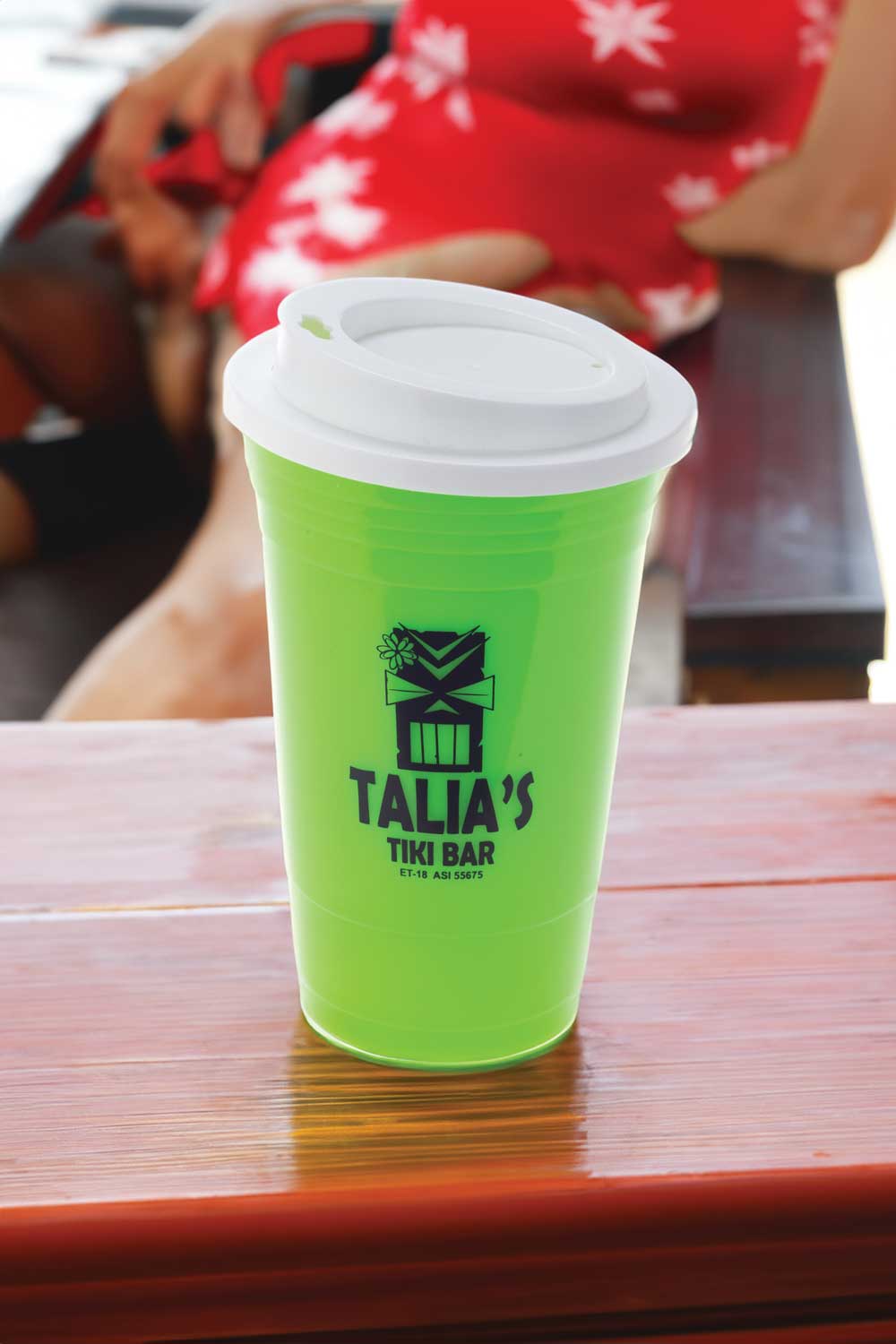
In this series, my prompt was “tiki bar.” I purposely left in some of the bad, distorted options so brands can get a realistic idea of how far we still need to go before AI can flawlessly replace commercial studio lighting.

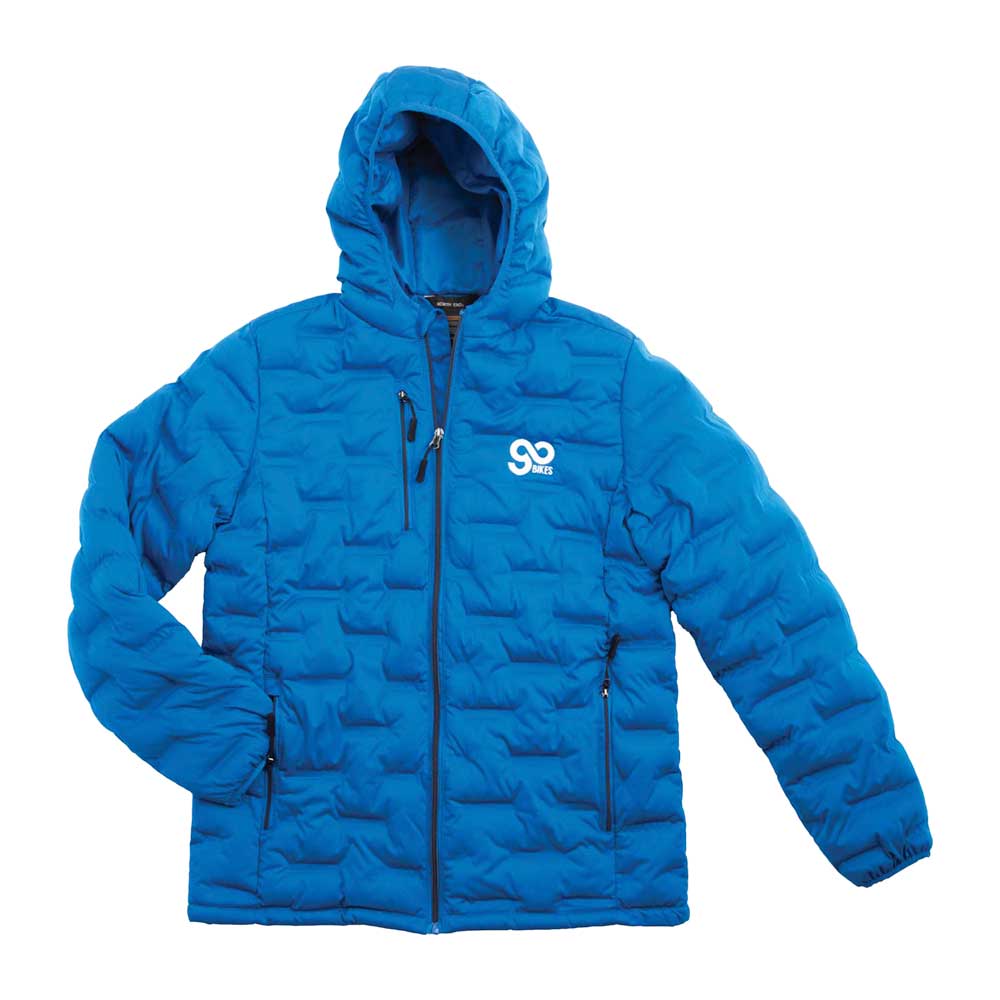
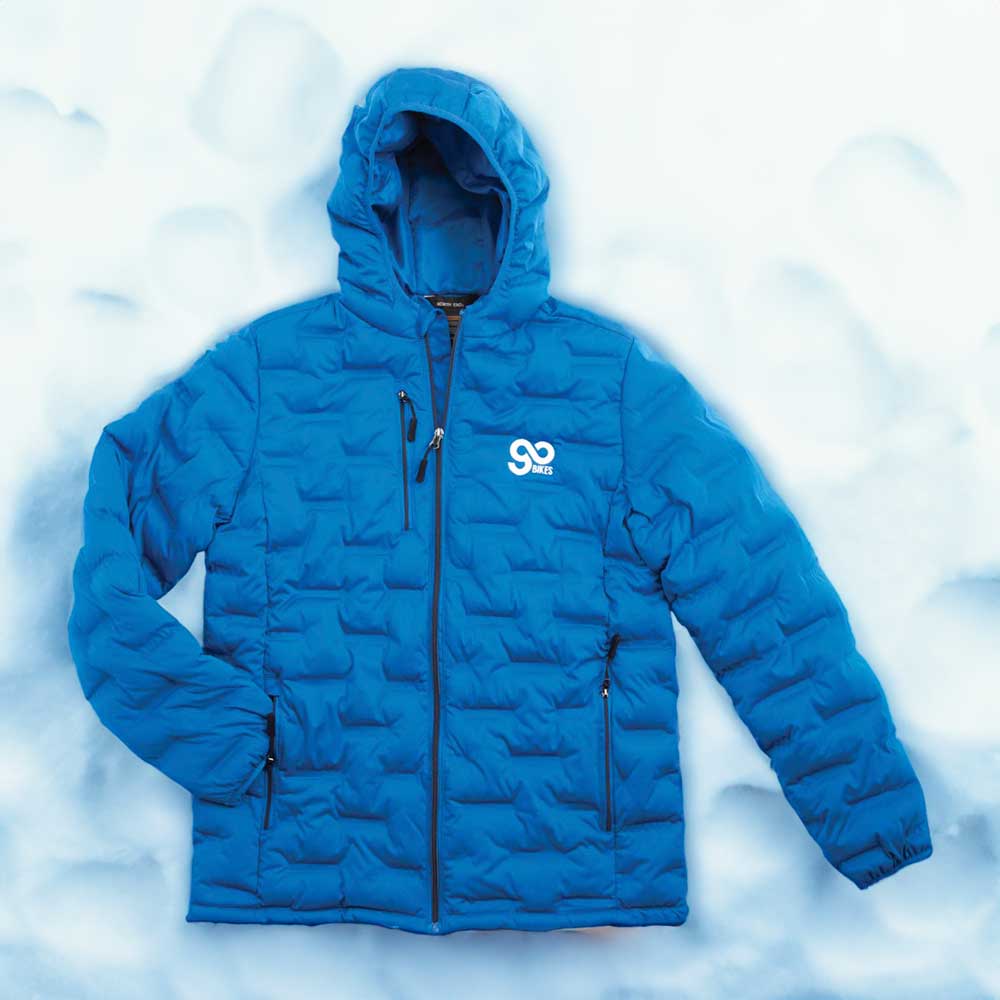
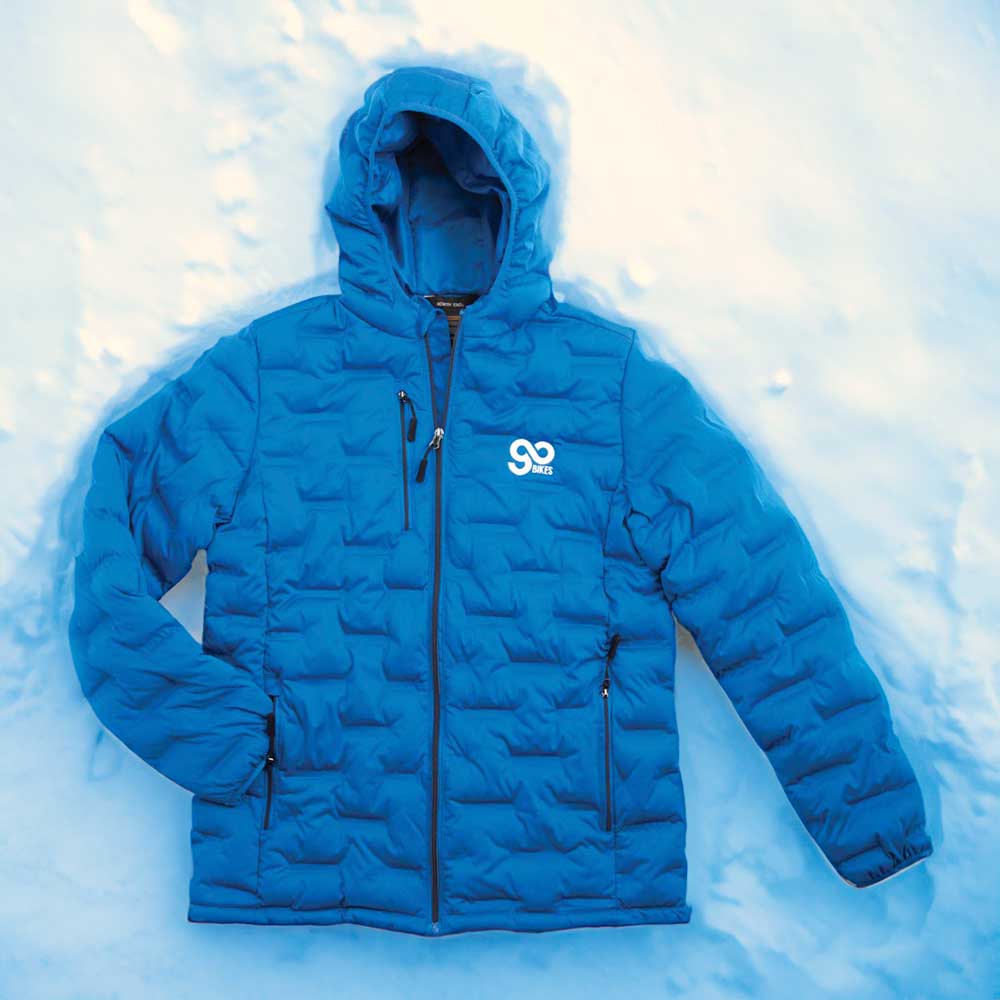
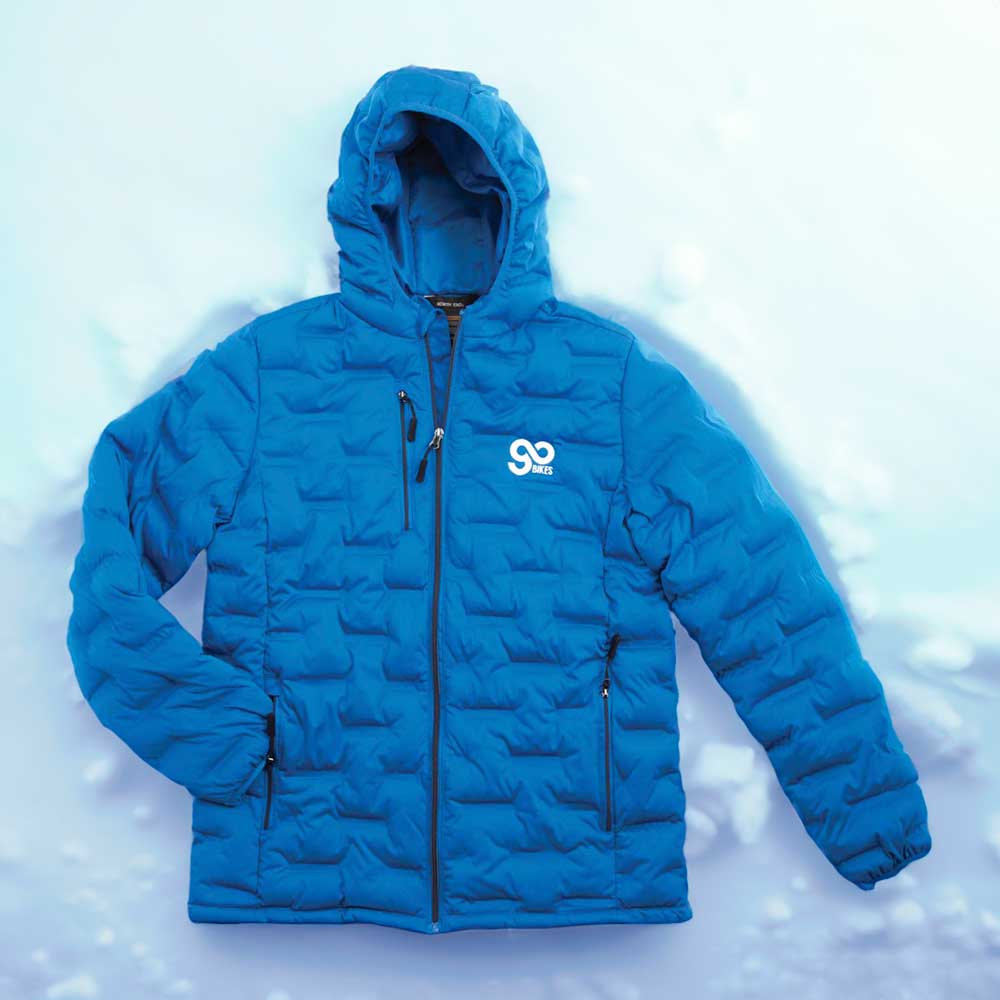
Case Study 3: The Winter Coat "Laying in Snow" Prompts

For this group, I tested a winter coat product image using variations of the text prompt “laying in snow,” “winter coat laying in the snow,” and “coat laying down in the snow.” It creates a decent seasonal vibe for a quick social graphic.

Case Study 4: Locker Room

hat
hat-1

Next, I pushed the AI into specific lifestyle settings. What the prompt “in a locker room” gave me was interesting prompt test. These show how generative tools try to match the perspective of a flat studio asset to a deep 3D environment, often resulting in a slightly artificial floating effect.

Case Study 5: The "On the Patio" Prompt Test

patio-1
patio-2

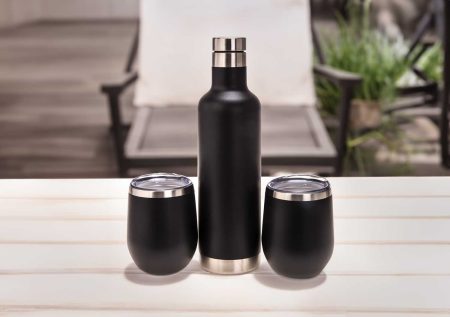
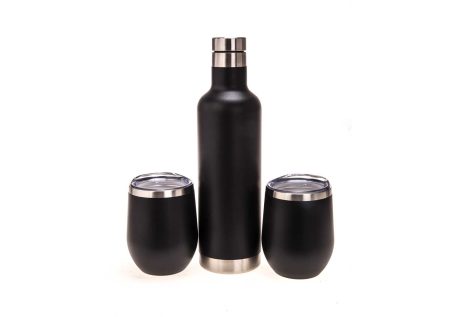
I also tested everyday commercial settings using basic placement prompts like “on a wooden table” and “in an patio.” These are the exact types of lifestyle assets Amazon sellers constantly need, but the AI’s rendering of the background is decent but compositionally not amazing.

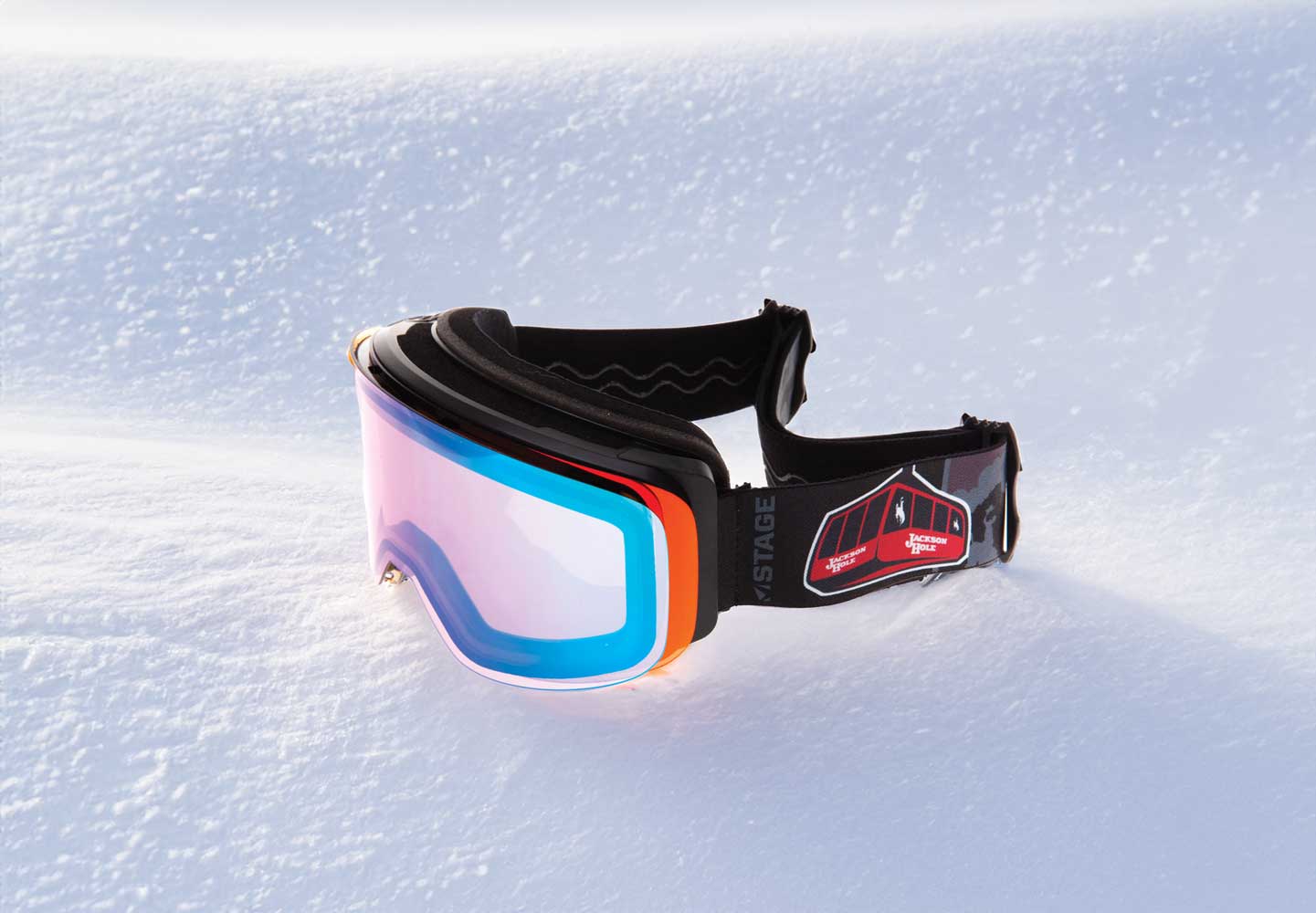
Case Study 6: Environmental placement (sitting in snow)

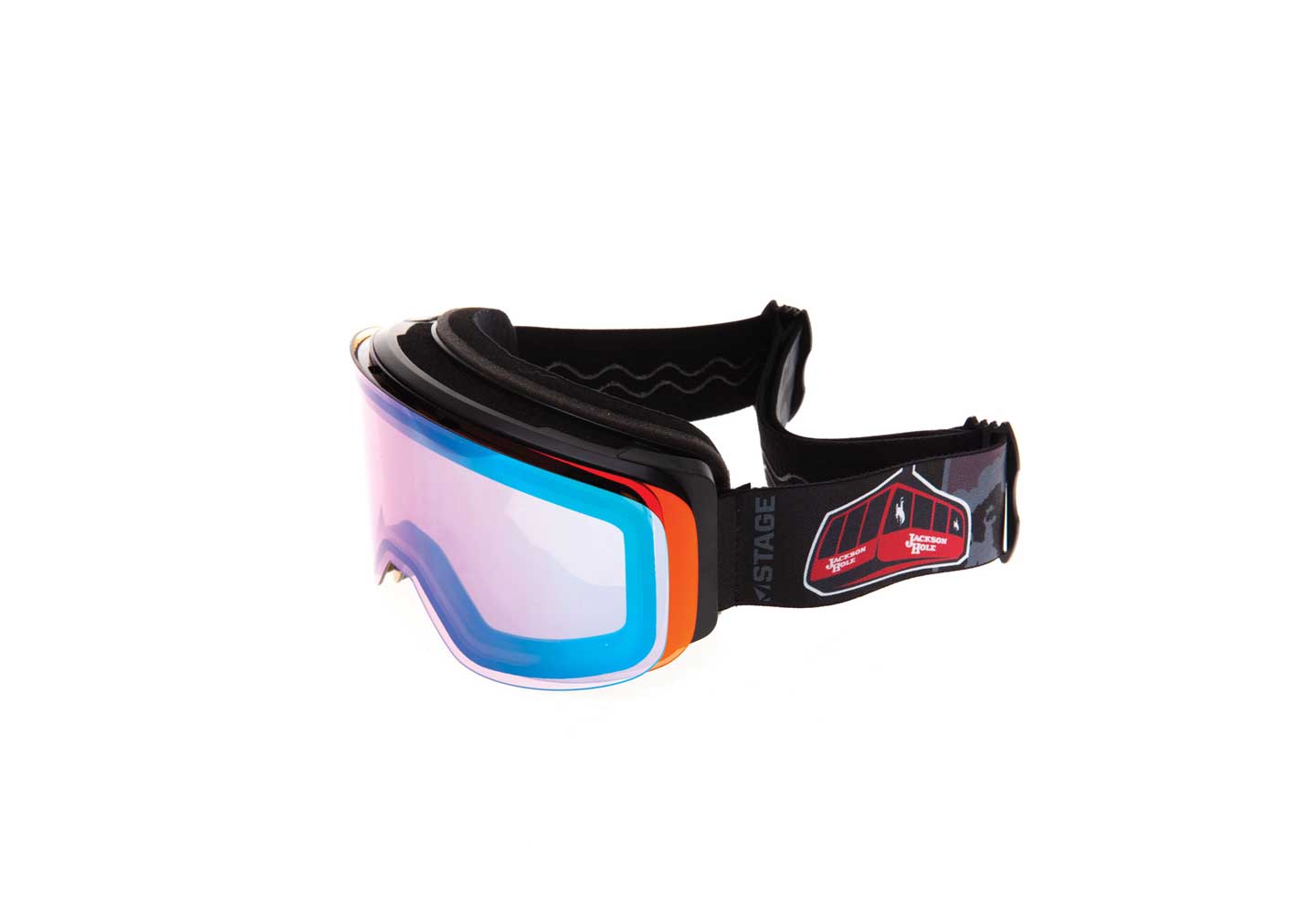
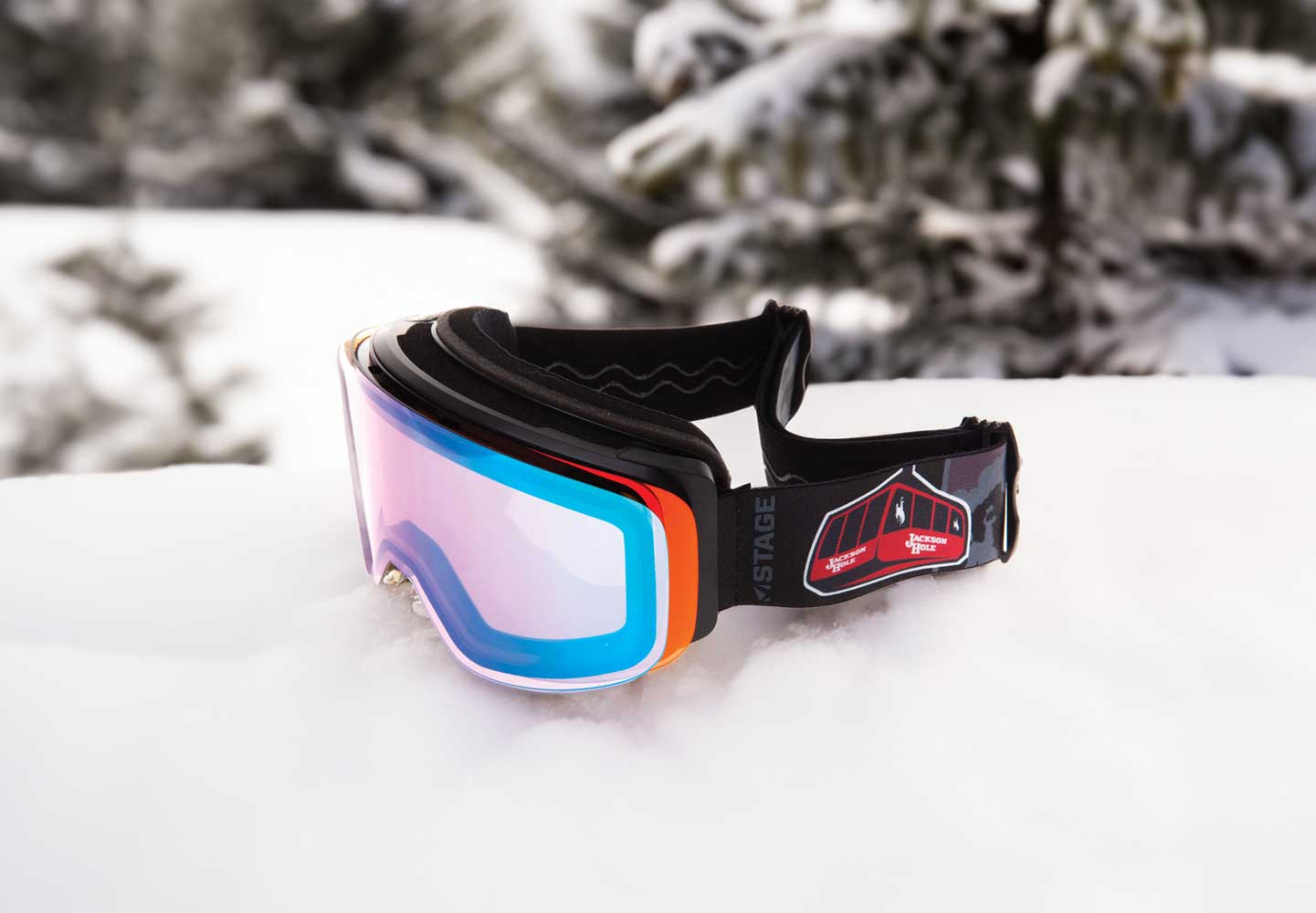
This test was focused on placing the goggles into a snowy environment. The AI seems to handle snow texturing incredibly well, creating a convincing winter lifestyle asset.

Case Study 7: Flat Surface Placements ("on a wooden table" & "in an office")

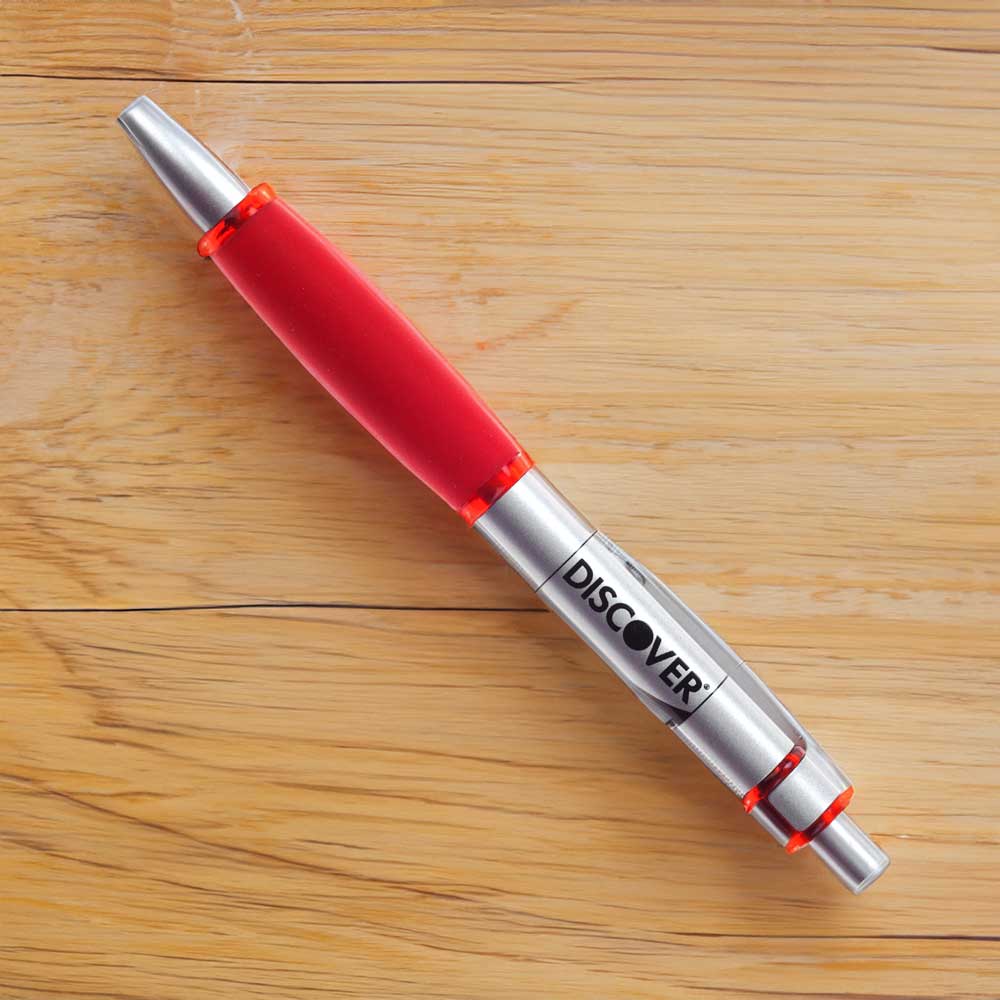
“I also tested flat surface variations, utilizing prompts like ‘on a wooden table’ and ‘in an office’ to see how the software handles clean corporate backgrounds vs. rustic textures.”

Case Study 8: The Bluetooth Speaker "In an Office" Environmental Shift

For a corporate test with the speaker, I used an “in an office” prompt. These turned out pretty well for rapid prototyping, but close inspection still reveals minor artifacts where the machine tool tries to blend the clean studio edges with the office background texture.

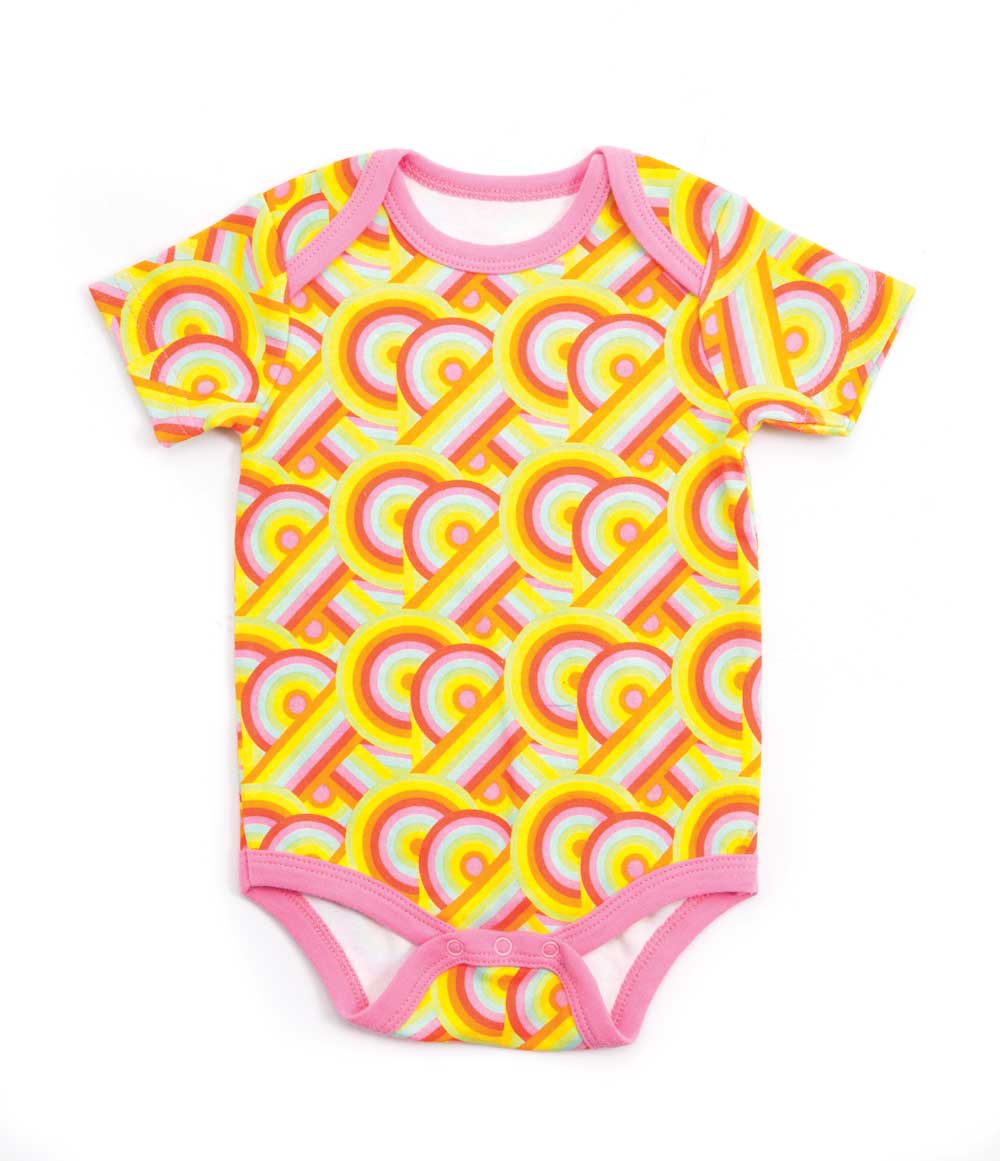
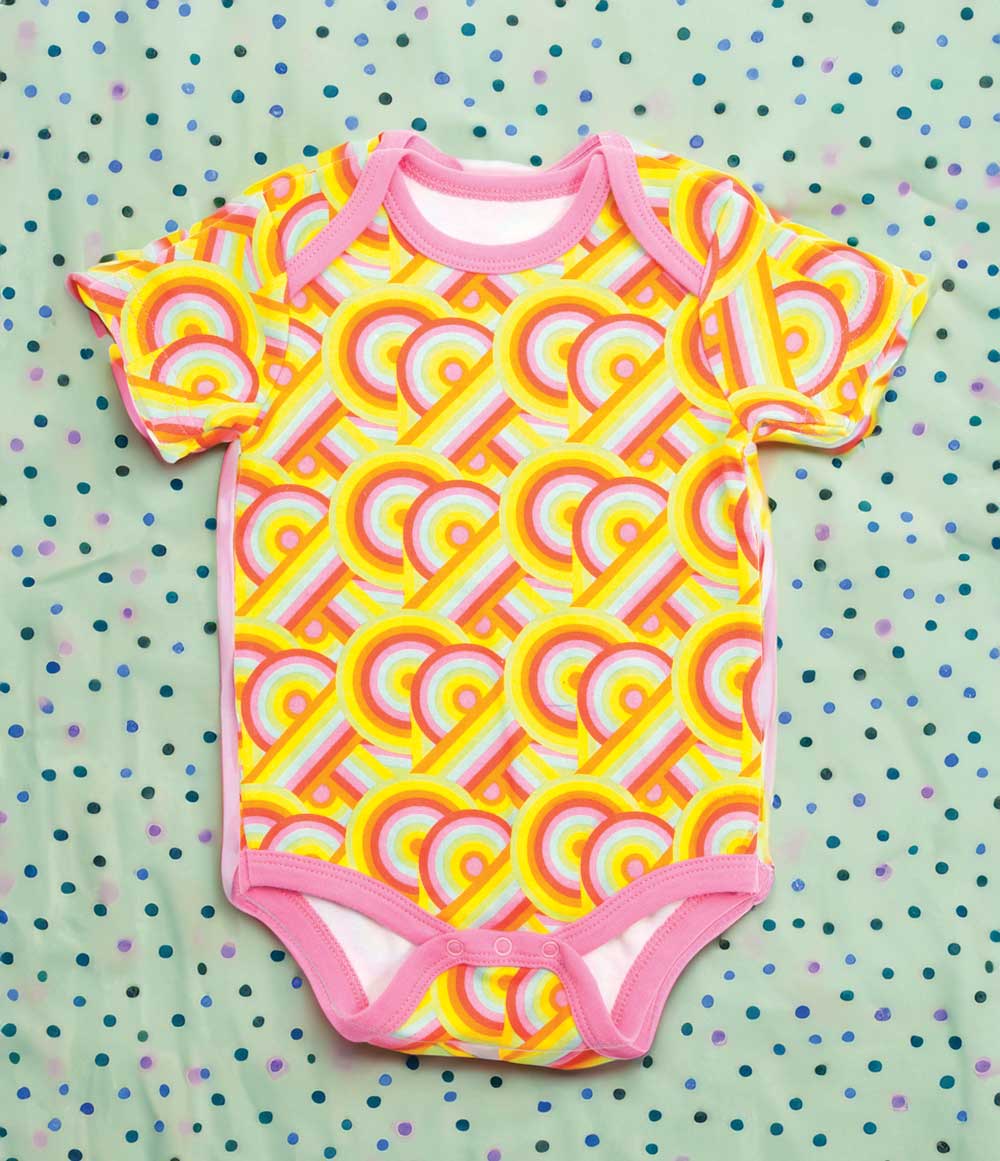
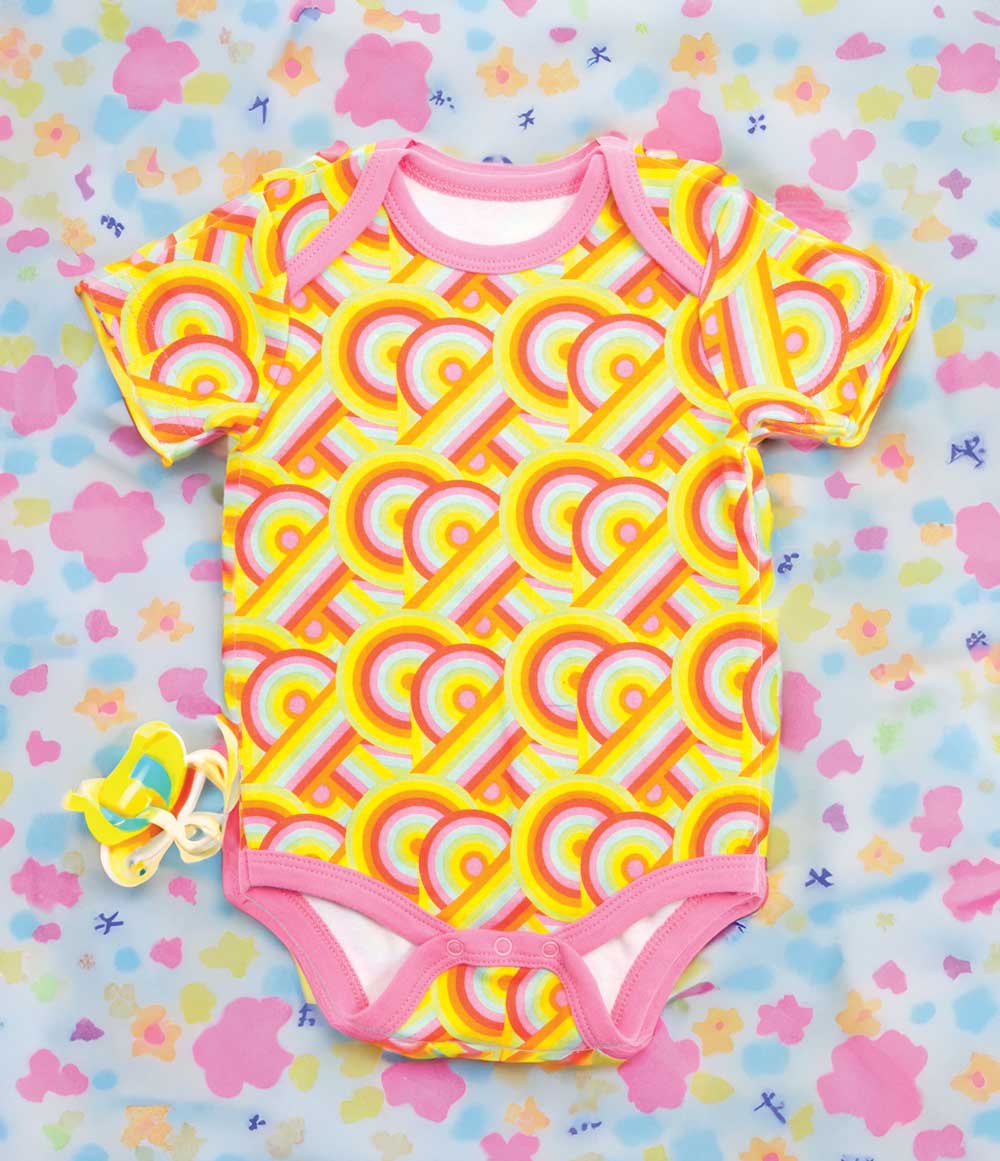
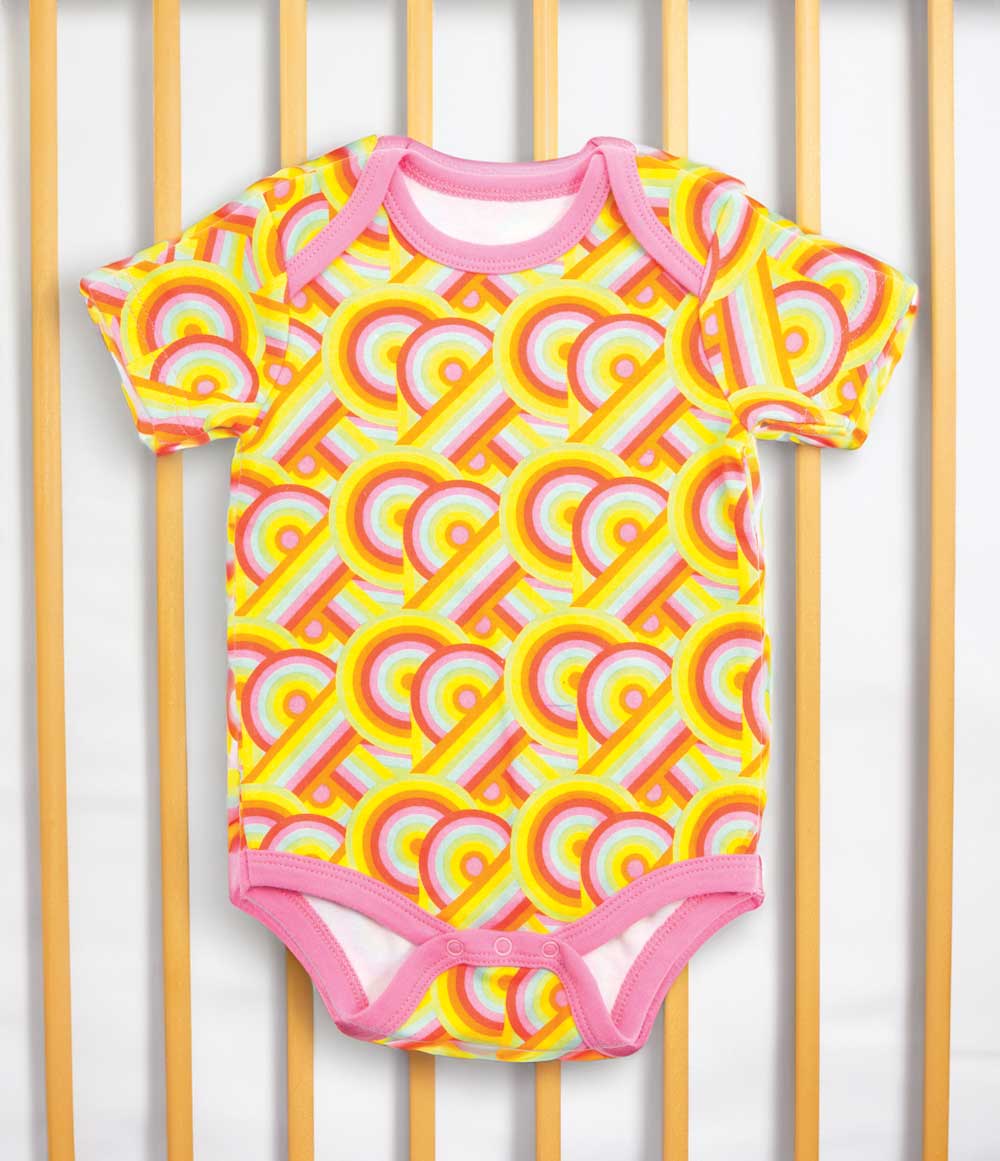
Case Study 9: The "Laying in Crib" Generative Expand Test

Finally, “laying in crib” was the prompt used for this product shot, which produced some interesting options. If you look closely, some of the physical edges of the product were actually extended and warped in a strange way by the algorithm. All in all, though, I think the stylistic options are fitting the product vibe.

Technical Analysis: Why E-commerce Brands Still Need Professional Photography

AI doesn’t replace craft it just enhances the workflow. It doesn’t have an option or perspective just possible options. 

When a high-volume catalog or a premium product launch requires absolute visual consistency across dozens of assets, a prompt box becomes a liability. You cannot prompt a computer to understand how a specific surface finish reacts to a softbox, nor can an algorithm replicate exact physical geometry. Without that rigorous, human-controlled baseline, any AI-generated background you attempt to inject the asset into will instantly look like a cheap digital composite.

The Verdict: The Tool Changes, the Mastery Doesn’t

At the end of the day, AI hasn’t replaced the photographer; it has simply become an assistant for technical execution. The software doesn’t possess taste, spatial awareness, or an understanding of visual narrative. It doesn’t know why a specific lighting ratio creates a premium, high-contrast editorial look, nor can it pre-visualize a studio plate so that the perspective matches a generative environment seamlessly.

The software is just calculating pixels based on data averages. It has no concept of visual intent.

The real bottleneck in commercial imagery isn’t a limitation of the algorithm—it’s the foundational mastery of the craft. To build an asset pipeline that actually converts for a brand, you still need a professional who knows how to:

  • Command the Studio: Running high-end strobe systems, managing complex modifier setups, and executing precise workflows like macro focus-bracketing to ensure the base file is flawless.

  • Sculpt the Light: Knowing exactly how to use scrims, flags, and reflectors to control specular highlights on challenging surfaces like glass or brushed metal so the product looks heroic.

  • Shoot for the Environment: Calculating camera height, focal length compression, and lens distortion in the physical world so that the final composite feels seamless and physically true.

AI is just another specialized lens in the kit. But a lens is only as good as the person pointing it, balancing the lighting ratio, and composing the frame. The fancy equipment and studio expertise aren’t going anywhere—because an AI can’t build a set or understand human psychology. It only fills in the blanks that the photographer intentionally leaves behind.

For brands looking to scale their content without degrading their identity, the formula is simple: Don’t look for an AI shortcut. Look for a photographer who knows how to leverage the technology without sacrificing the craft.

Share:

Facebook
Twitter
Pinterest
LinkedIn

Comments are closed here.

Table of Contents

On Key

Related Posts

Photo retouching after

Photo Editing Services and Retouching

Photo Editing Services Photo Editing Services or “Photo retouching” can be a misunderstood concept sometimes. I this article I will explain what goes into a
A Philadelphia Photographer in India

A Philadelphia Photographer in India

A Philadelphia Photographer in India A Philadelphia Photographer in India explored Delhi attractions and street culture.  In 2022, I was fortunate enough to travel to
Philadelphia Photographer Sean Bolton

Green Screen

Green Screen and AI photo and video. Recently I took the opportunity to play around with some green screen photo and video. I ended up