
Green Screen and AI photo and video.
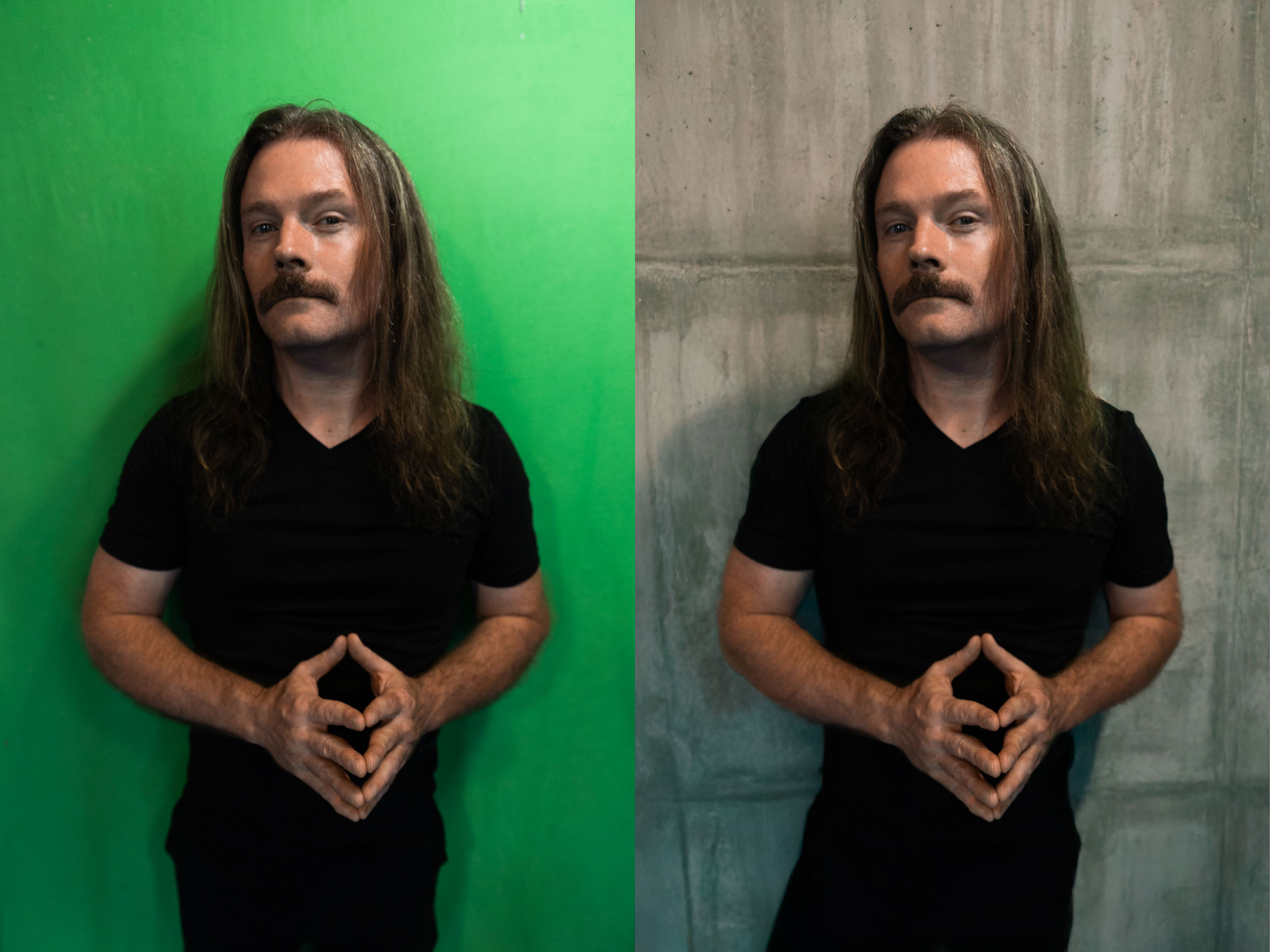
Recently I took the opportunity to play around with some green screen photo and video. I ended up testing some new techniques and gear. Scroll down for the details.
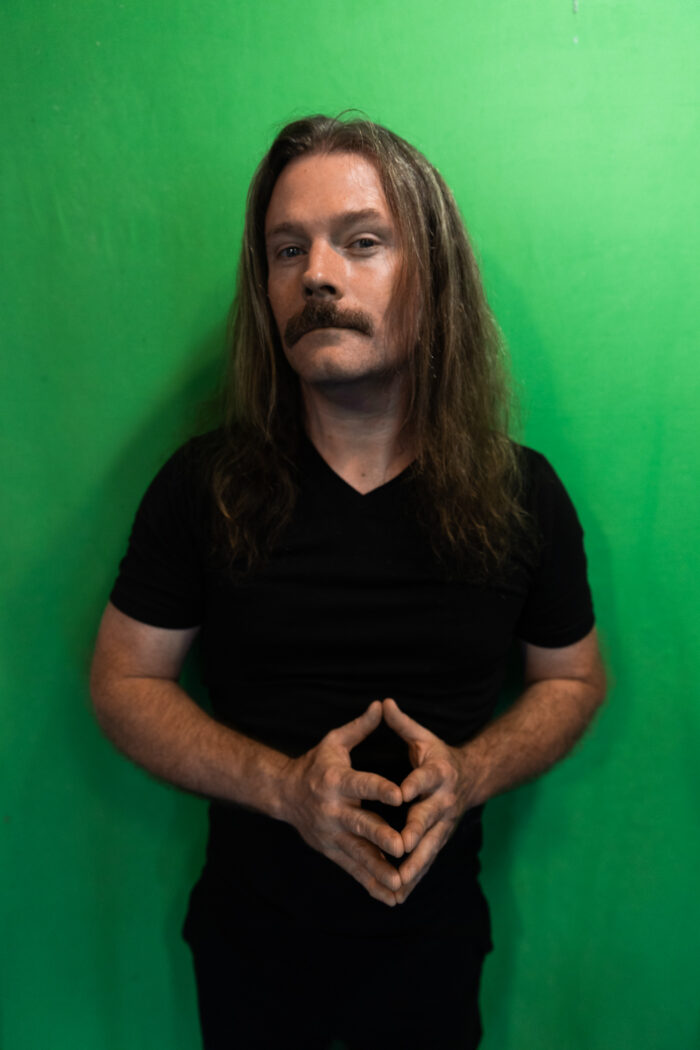

In this example I gave the photoshop AI the prompt “concrete background”. This is actually my favorite shot of the batch. I liked it so much I used it for my profile picture here.


In this shot I asked the AI to emulate a “stage” setup. I think it did pretty well the highlights in the hair really are the most impressive part.
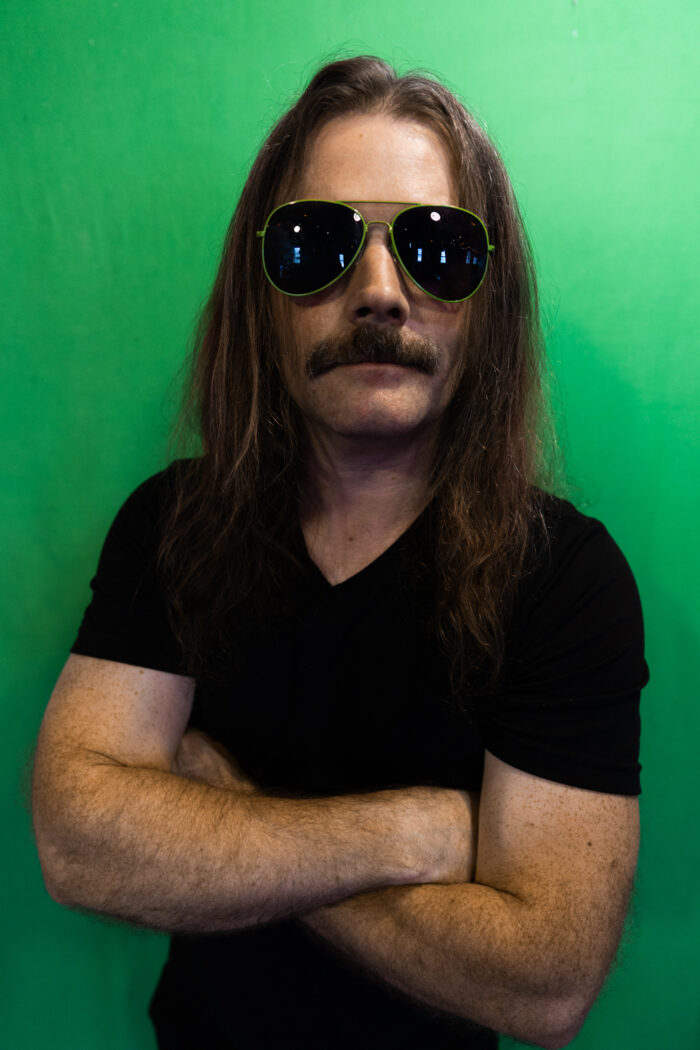

“concrete wall” was again the prompt for this one. I think its ok but looks a little “AI” for my liking.


For this shot I prompted the AI to give me a “black brick wall”. It did an OK job at first but the results were a little too “perfect” if that makes sense. Really they were just too cemeterial and too clean. I ended up using the AI to add some dirt and some broken brick to make it look less fake.
This is a small video clip I shot on the same background with the same camera. The background isn’t AI its actually some stock laser background I found online. Its for a music project I have called “Scan Boltron“
Credits and Notes
For this test I used the Canon R6MkII. Its by no means a super hi end camera but I was curious about how far I could push it. I ended up using the canon adapter for old L lenses and the focus was great. I’ve been hearing that the main upgrade from the DSLR series was more about the focusing system and I think I understand it. This hasn’t really been a big motivator to me to invest because I don’t shoot a lot of events. With studio work I never really had an issue with the DSLR cameras. With the R6 I was able to self monitor with the flip out screen and their focusing Algorithm/AI recognizes faces really well. It even recognized my Husky’s face.

Comments are closed here.